Exporting a history

 Saskia Hiltemann
- Click on History options galaxy-history-options
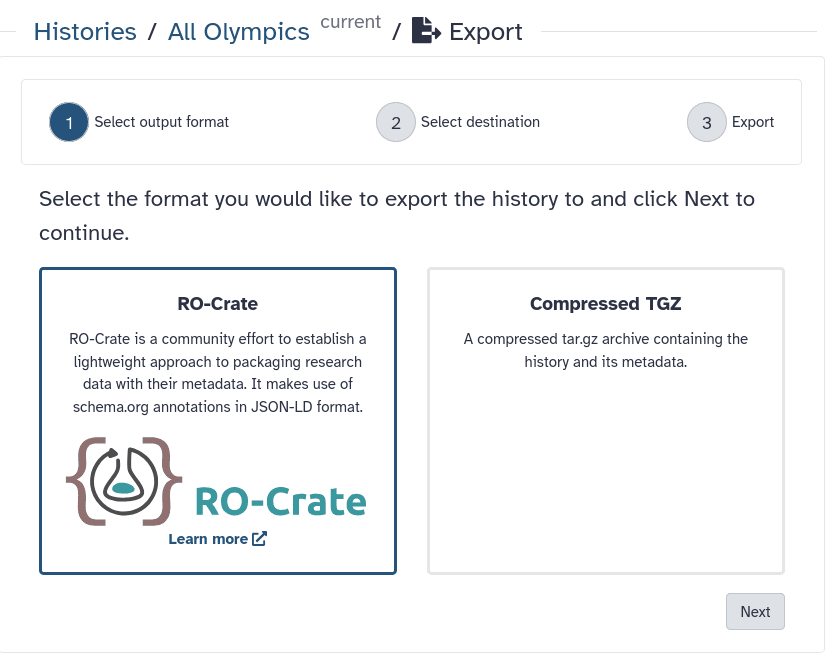
- Select Export history to file
-
Select the format. RO-crate or compressed TGZ file.
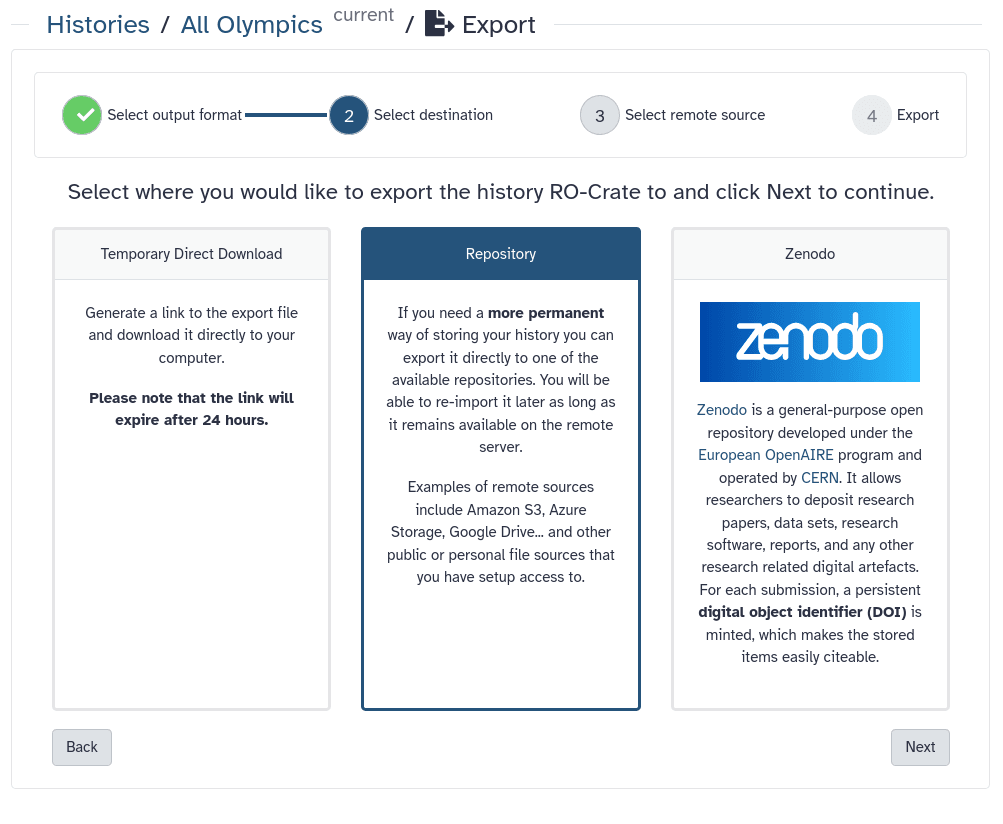
- Select a destination. Options include:
- Temporary Direct Download (will generate a download link valid for 24 hours)
- Zenodo
- One of your configured repositories
- Configure your chosen option and export.
Persistent URL
Resource purlPURL: https://gxy.io/GTN:F00507Still have questions?
Gitter Chat Support
Galaxy Help Forum